MakeQuad
MakeQuad is a software which creates profiles (quad files) for monochrome inkjet printing. The quad files are required by Quad Tone RIP (QTR) in order to control each ink channel individually when printing with selected Epson inkjet printers. The program has the following features.

|
|
MakeQuad can handle 8- and 10-channel Epson inkjet printers compatible with QTR, including the P700/P900. The program requires a calibration file which holds the characteristic parameters for each ink channel for a given paper. The calibration file can be created by MakeQuad from user-provided lightness data measured from the QTR calibration print. Some screen shots of MakeQuad v2.6 can be seen under Carbon Printing Advanced.
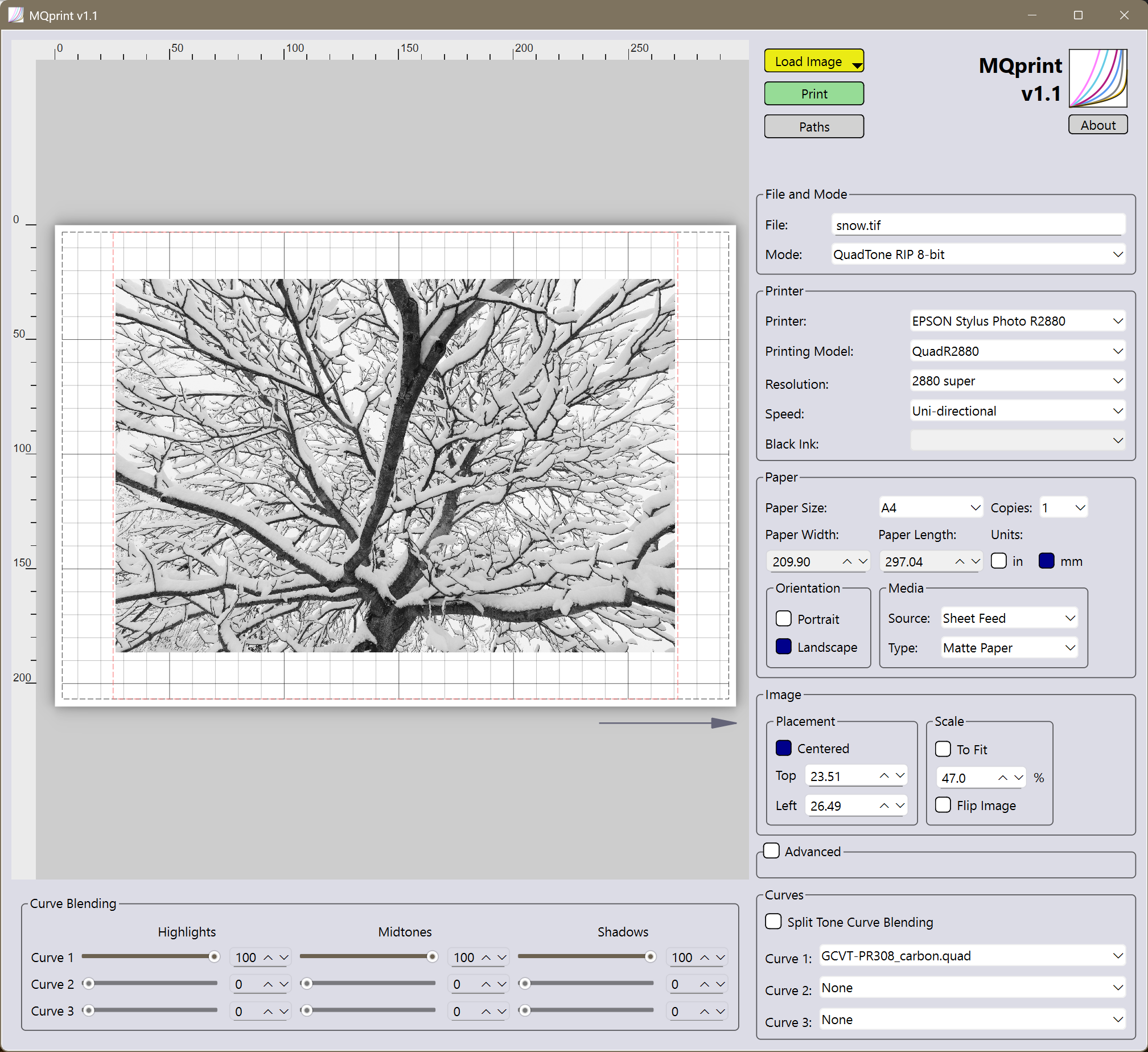
MQprint
Also available for Windows is the print tool MQprint.
It provides all the printing features of QTR for Windows, but has a much larger preview area. Furthermore, images
can be dragged and dropped, flipped and inverted for printing digital negatives.
Important note: QTR must be installed and users must comply
with QTR's shareware license.